1. The Problem Space & Friction
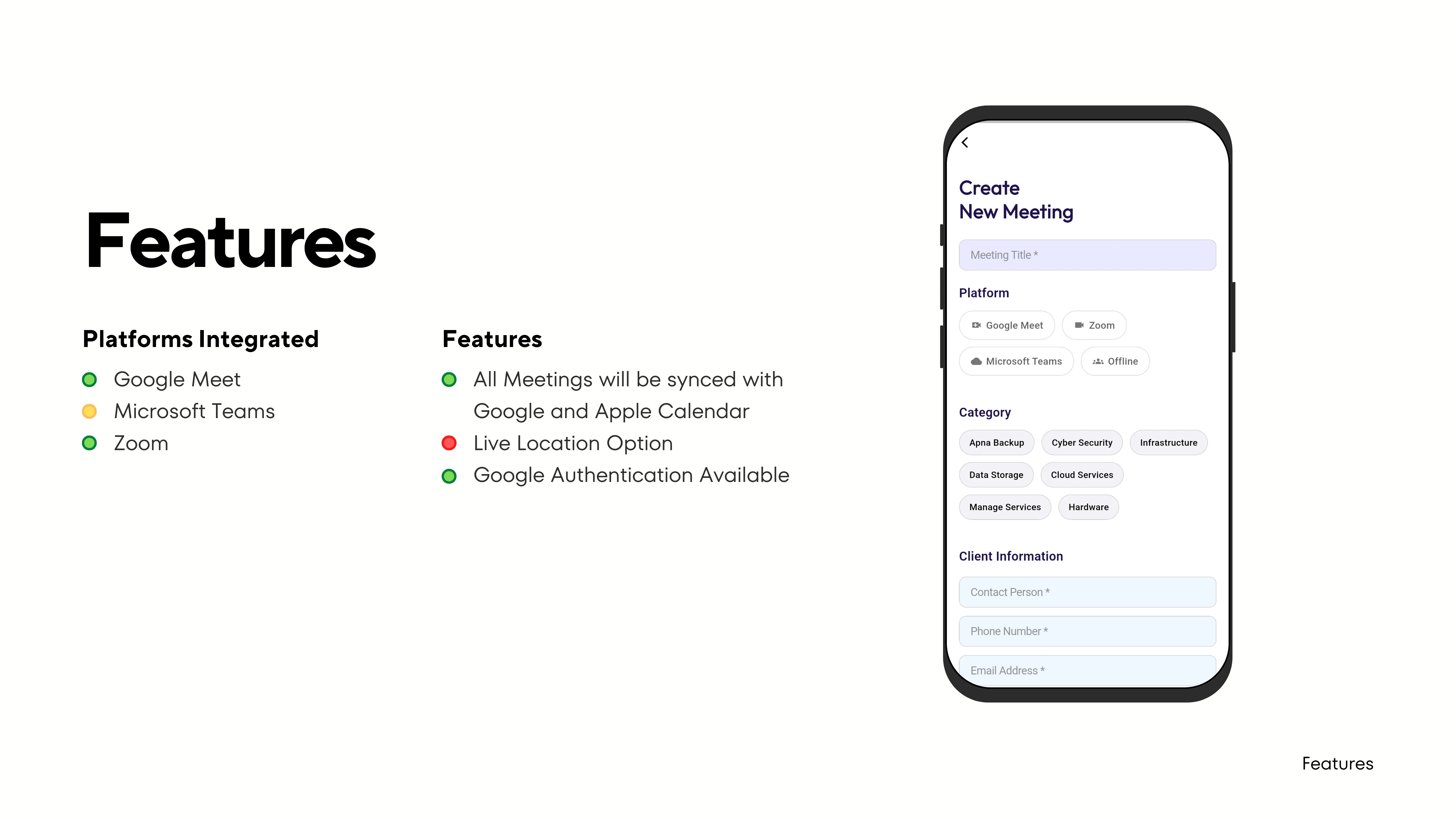
Professionals and students juggle an average of 4-6 virtual video conferences and in-person sessions daily. The traditional workflow requires opening Google Calendar, checking Zoom links in WhatsApp, finding Microsoft Teams invites in Outlook, and manually referencing offline paper or spreadsheet timetables.
This fragmentation creates context switching fatigue, missed meeting starts, and frantic searching for credentials moments before a call. Apna Agenda was created to eliminate this friction entirely by bringing every stream into one singular mobile dashboard.
2. System Architecture & Engineering
As the sole architect, I structured Apna Agenda using layered Clean Architecture to decouple API integration adapters from presentation state:
- Presentation Layer: Flutter widgets leveraging the BLoC (Business Logic Component) pattern for predictable unidirectional data flow.
- Domain Layer: Pure Dart entities and use cases (e.g.,
ScheduleMeetingUseCase,SyncExternalCalendarsUseCase) free of UI or framework dependencies. - Data Layer: Repository implementations abstracting local SQLite encrypted storage and remote REST API clients for Zoom, Teams, and Google Meet.
- Background Sync Service: Android WorkManager and iOS BackgroundTasks to periodically poll updates and trigger system notifications 10 minutes prior to call starts.
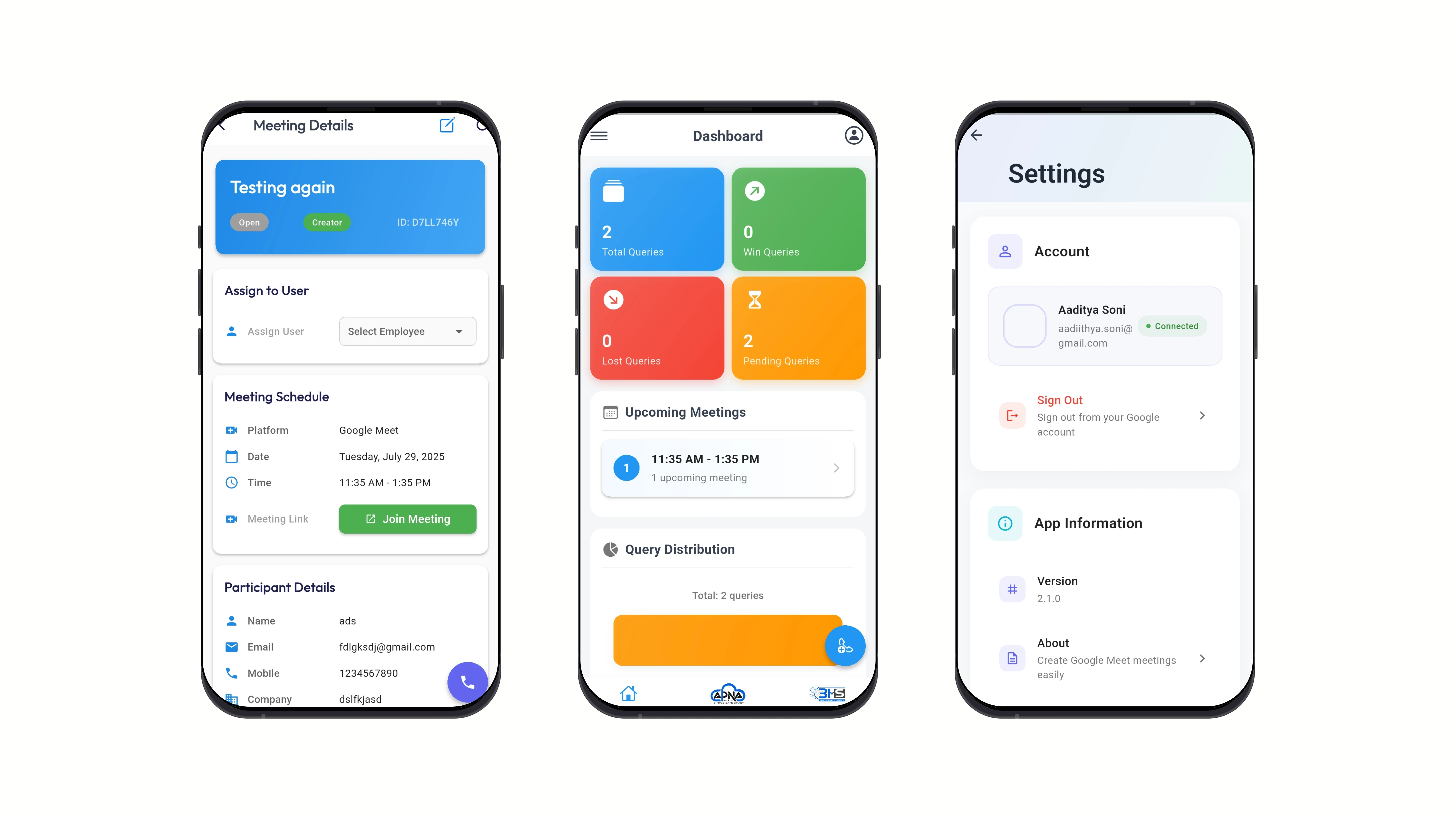
3. Visual Interfaces & Screens

4. Key Outcomes & Engineering Lessons
By designing the app around single-tap actions, users reduced average meeting launch overhead from 45 seconds to under 4 seconds. The offline caching ensures that even in basements or network dead-zones, users can view room assignments and scheduled offline sessions without interruption.